posted in

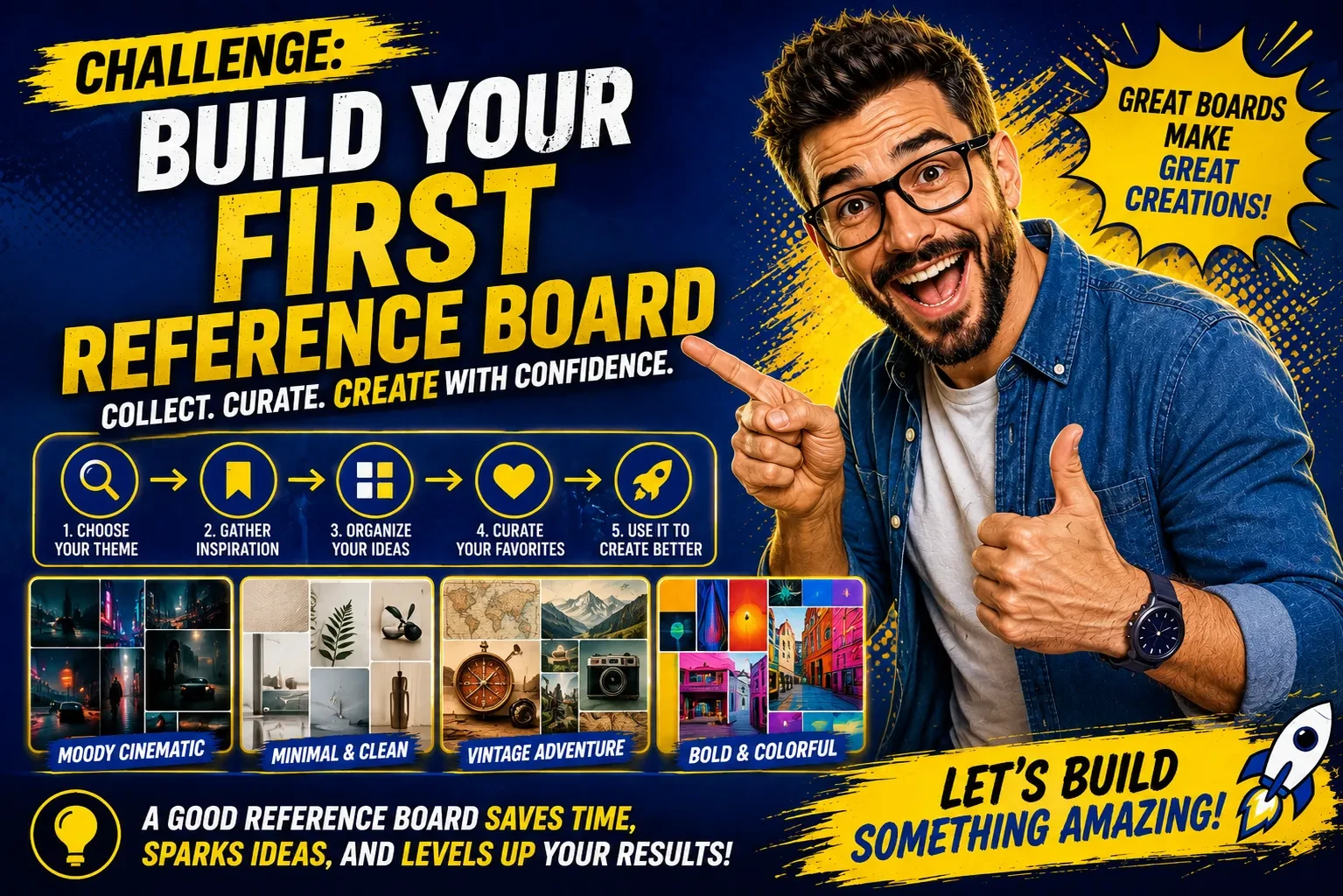
Challenge #4: Build Your First Reference Board

Want more consistent AI images?

This week's challenge shows you how to create a reusable reference board that helps AI generate the same subject consistently across future prompts.

Whether you're building a character, product, location, creature, pose library, or storyboard, this lesson walks you through the process step by step.

Inside the Hub, you'll find six different reference board templates, complete prompts, and tips to help you get the best results.

👉 Access this week's challenge inside the Hub:
https://hub.pulsedigitallabs.com/challenges​

Once you've finished, post your completed reference board in the lesson comments. I'd love to see what you built and which board you chose!
Challenge #4: Build Your First Reference Board

posted in

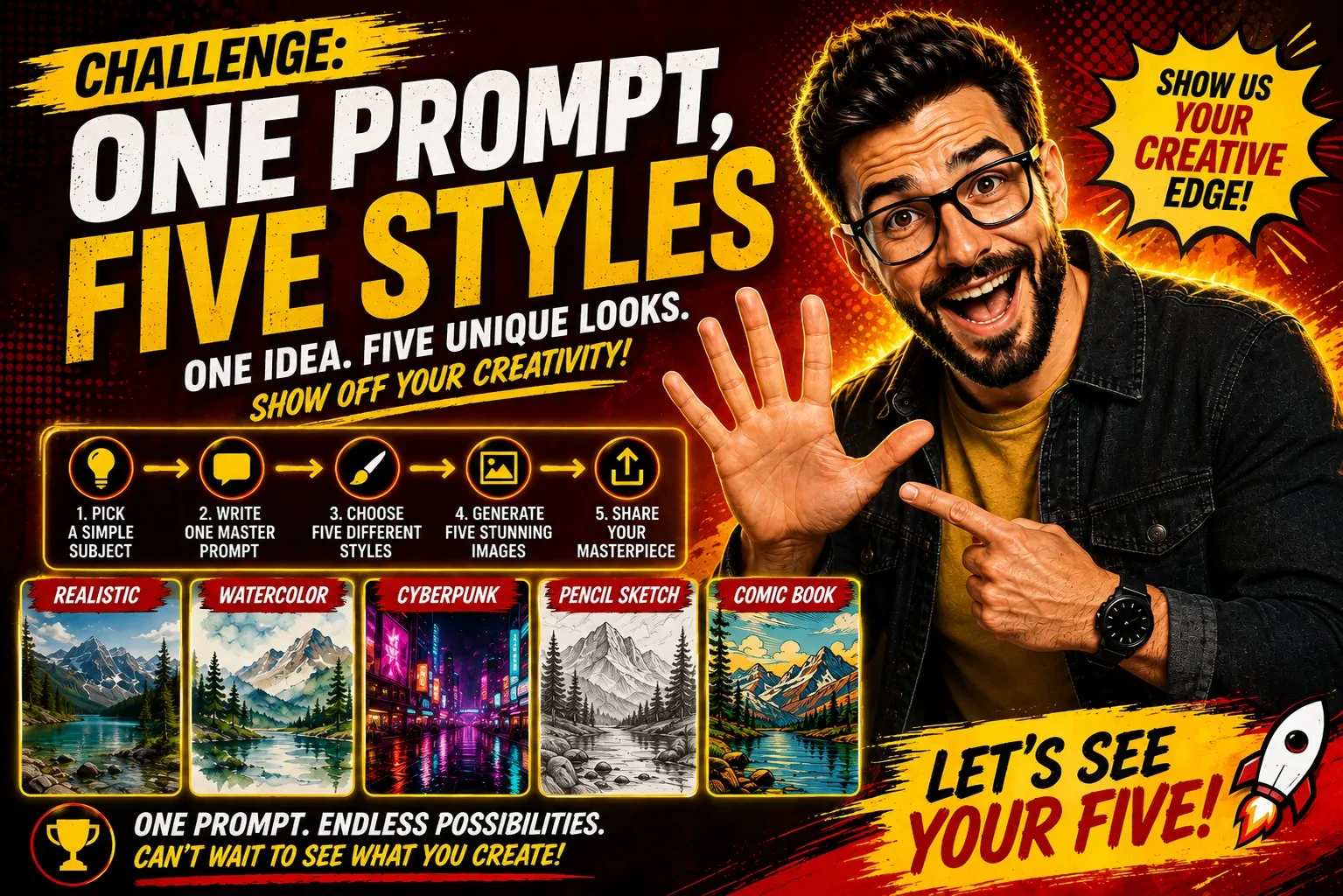
Challenge #3: One Prompt, Five Styles

This one is a fun way to improve your prompting skills while seeing how much a single prompt can do.

The challenge is called:

One Prompt. Five Styles.

Inside the lesson, you'll learn how to:

• Write one master image prompt.
• Transform it into five completely different art styles.
• Compare the results side by side.
• Build a repeatable workflow you can use again and again.

The entire challenge takes about 20 minutes, and you don't need a selfie, video editor, or any special software.

👉 Head over to the Hub to access this week's challenge:
https://hub.aipromptcreator.com/community

Once you've completed it, come back and share your favorite style in the comments. I'd love to see what you create!

Challenge #3: One Prompt, Five Styles

posted in

Challenge #2: From Foundation to Finished Icon

I’m dropping a new visual challenge inside the AI Prompt Creator Hub .

This one walks through a full transformation story using AI.

From an empty construction site.
To a massive stone build.
To a gold transformation.
To a finished marble environment.

You will work with image prompts, reference images, and short cinematic videos.

Nothing abstract.
Nothing random.

This challenge shows how intention, sequencing, and consistency create strong AI outputs.

All steps, prompts, and tool guidance are available in the hub.

Head to the AI Prompt Creator Hub to see the full breakdown and join in.

Scroll to load more

Back

posted in

Challenges

Challenge #4: Build Your First Reference Board

Want more consistent AI images?

This week's challenge shows you how to create a reusable reference board that helps AI generate the same subject consistently across future prompts.

Whether you're building a character, product, location, creature, pose library, or storyboard, this lesson walks you through the process step by step.

Inside the Hub, you'll find six different reference board templates, complete prompts, and tips to help you get the best results.

👉 Access this week's challenge inside the Hub:
https://hub.pulsedigitallabs.com/challenges​

Once you've finished, post your completed reference board in the lesson comments. I'd love to see what you built and which board you chose!

Challenge #4: Build Your First Reference Board